
This document provides an advanced user manual for the digital camera model DMC-GF5. It includes information on camera precautions, standard accessories, component names and functions, lens details, preparation, lens replacement, strap installation, battery charging, memory card usage, date/time setting, shooting static and dynamic images, playback of images and videos, menu settings, and more.
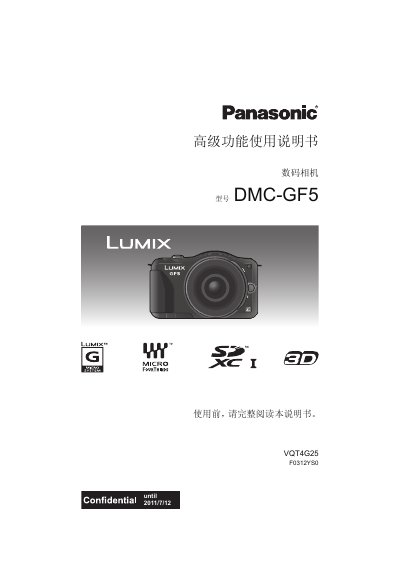
The guide covers everything you need before using the camera, including safety warnings, a list of standard accessories, and a description of each component on the body. It then explains lens handling, battery charging, memory‑card insertion, date/time setup, and the many shooting functions such as auto, program, aperture‑priority, and creative modes.
Later sections describe playback and editing of still and video files, how to connect the camera to external devices (HDMI, AV, USB), and a troubleshooting chapter that helps resolve common issues like error messages, connection problems, and battery or memory‑card failures. This manual is written in Chinese.
| Lens Mount | Micro Four Thirds (Micro 4/3™) |
|---|---|
| HDMI Interface | HDMI mini connector |
| AV Output | AV OUT/DIGITAL connector |
| Touch Screen | Pressure‑sensing LCD touch screen |
The camera supports SD, SDHC, and SDXC memory cards.
Lenses with a Micro Four Thirds mount can be used directly; other lenses require the DMW‑MA1 adapter.