
This manual is the operating instructions for the Panasonic DMR-ES10 DVD recorder. It introduces the product's features, functions, usage, maintenance and other content.
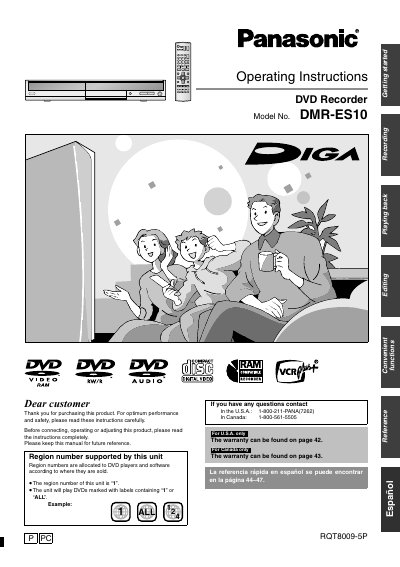
This manual explains how to install, connect, and operate the Panasonic DMR-ES10 DVD recorder. It covers quick start procedures, disc handling, recording modes, playback functions, and menu navigation.
Safety warnings, power consumption details, supported disc types, and region coding are also included, along with troubleshooting tips and warranty information.
| Region number | 1 |
|---|---|
| Power consumption (standby) | approx. 8.2 W |
| Recording start time | A few seconds after power‑on |
The unit supports region number 1 and will play DVDs marked with “1” or “ALL”.
Recording can begin a few seconds after the unit is powered on.
Do not open the covers or attempt self‑repair; servicing must be performed by qualified personnel.