
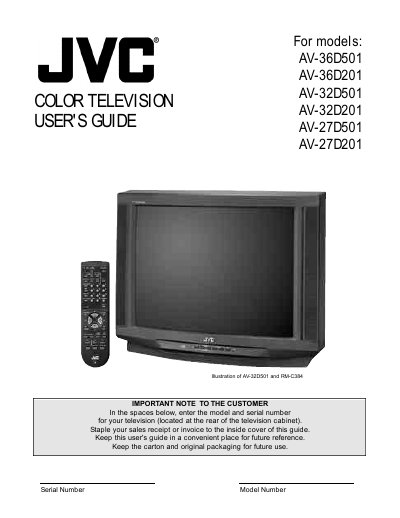
JVC AV-36D501 AV-36D201 AV-32D501 AV-27D201 Color Television User's Guide


JVC AV-36D501 AV-36D201 AV-32D501 AV-27D201 Color Television User's Guide - cover page
Brand
JVC
Category
Television
Document type
User Manual
Language
English
Pages
32
File format
PDF
Published
10 May, 2012
Updated
29 September, 2023
MD5 checksum
83DA6470B3A0991773DAB6A2626D9DDB

About this manual

JVC's user's guide covers the AV-36D501, AV-36D201, AV-32D501 and AV-27D201 color televisions. It begins with safety precautions and a welcome section, then presents the table of contents for setup and operation.

The listed sections cover connections, panel diagrams, remote controls and remote programming, menu functions such as auto tuner setup and clock setting, sound settings, button functions, PIP, troubleshooting, the limited warranty, authorized service centers, and specifications.

What's inside

  • Connections Checklist
  • Panel Diagrams
  • Remote Controls
  • Remote Programming
  • Using the Menu
  • Sound Settings
  • Button Functions
  • PIP (Picture-In-Picture)
  • Troubleshooting
  • Specifications

Frequently asked questions

Where are the model and serial number located on the television?

They are located at the rear of the television cabinet.

What should you do before cleaning the TV set?

Unplug it from the wall outlet before cleaning.

What should you do if the TV set will be left unattended for an extended period?

Unplug it from the wall outlet and disconnect the antenna.

Download PDF

More JVC Manuals


View all JVC manuals →