
This is a document about Epson Stylus CX4200 Series/CX4800 Series Quick Guide. The document introduces how to load paper, copy photos or documents, print from a memory card (only for Epson Stylus CX4800 Series), print from a digital camera, and print from a computer.
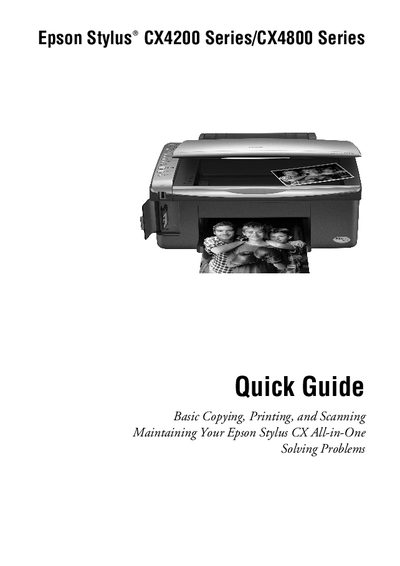
This Quick Guide provides step‑by‑step instructions for setting up and using the Epson Stylus CX4200/CX4800 All‑in‑One. It covers loading paper, making copies of photos or documents, printing from memory cards, digital cameras, or a computer, and basic scanning functions.
The guide also includes routine maintenance tasks such as checking and cleaning the print‑head nozzles, replacing ink cartridges, and troubleshooting common error indicators and problems.
| Plain paper capacity | up to 100 sheets |
|---|---|
| Photo paper capacity | up to 20 sheets |
You can select up to 9 copies at a time using the Copy button.
Press the Stop button to halt copying.
Open the paper support and output tray, slide out the extensions, flip the feeder guard forward, and insert the paper with the printable side up against the right edge guide.