
This document introduces the Epson Stylus Pro 7890 / 9890 MacProfile installation guide, including Mac operating system verification, Epson driver download and installation, and MacProfile installation and registration
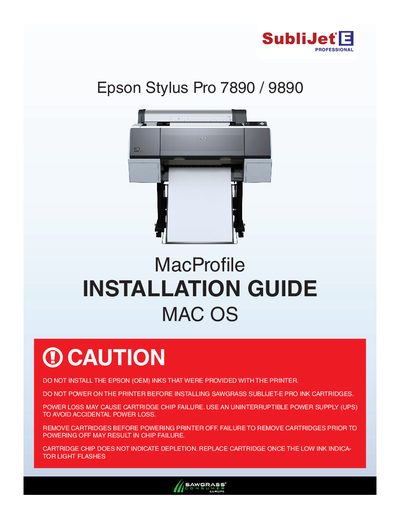
This guide provides the steps needed to install the SubliJet‑E MacProfile for Epson Stylus Pro 7890 and 9890 printers on macOS. It begins with a caution about using only Epson‑approved inks and explains how to verify your Mac OS version before proceeding.
The document then walks you through downloading the correct Epson printer driver from Epson’s website, installing the driver, and completing the MacProfile registration. Detailed screenshots illustrate each step, including selecting the destination drive, accepting the license agreement, and confirming a successful installation.
The installation needs about 20.4 MB of free space; the example shows more than 44 GB available.