
Epson Stylus Pro 4900 is a compact A2 printer with spectrophotometer capabilities that can produce exquisite professional quality prints at rapid print speeds. It has 10 colors, including orange and green, which can cover 98% of the Pantone+ solid color gamut.
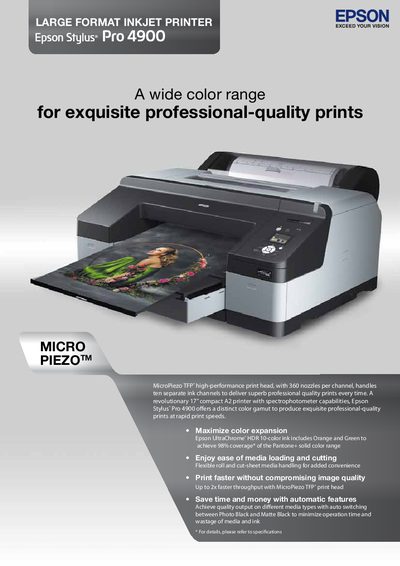
The Epson Stylus Pro 4900 is a 17‑inch compact A2 large‑format inkjet printer featuring MicroPiezo TFP® print head technology, ten‑color UltraChrome® HDR inks and built‑in spectrophotometer capabilities. It offers up to 2× faster throughput while maintaining high image quality with 3.5 picoliter droplets and 2880 × 1440 dpi resolution.
The manual details media handling options (roll and cut‑sheet), automatic ink switching, environmental features such as Auto Off mode, and full technical specifications including dimensions, weight, power consumption, and supported interfaces.
| Print resolution | 2880 × 1440 dpi |
|---|---|
| Nozzle configuration | 360 nozzles per color (10 colors) |
| Ink capacity | 200 ml per cartridge |
| Maximum paper width | 432 mm (17 in) |
| Weight | Approx. 52 kg (114.64 lb) |
| Power consumption (operating) | Approx. 52 W |
| Sleep power | < 8.5 W |
| Acoustic noise level | 45 dB(A) SPL |
The printer can print at up to 2880 × 1440 dpi.
It uses 11 individual ink cartridges covering colors such as Photo Black, Matte Black, Orange, Green, and others.
It accepts media from 8 inches to 17 inches (203 mm to 432 mm) in width, both roll and cut‑sheet formats.
Yes, the Auto Off mode turns the printer off when idle, using less than 0.5 W.