
This is a printer user manual, which mainly introduces the use method, maintenance method and troubleshooting method of the printer
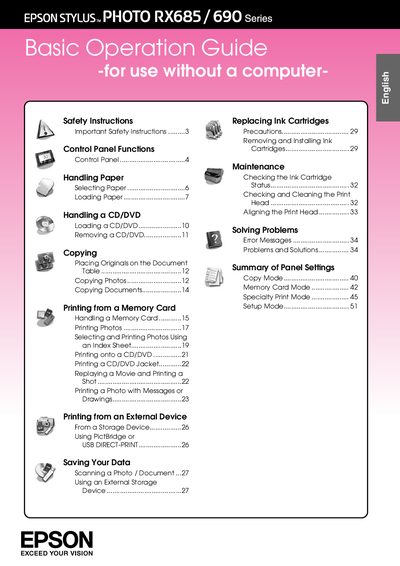
This manual provides step‑by‑step instructions for setting up the Epson Stylus Photo RX685/690 series printer, including power connection, loading paper, installing ink cartridges, and using the LCD screen. It also explains the control panel functions, safety precautions, and basic operation without a computer.
Additional sections cover advanced features such as printing from memory cards, CD/DVD printing, PictBridge, Bluetooth settings, and maintenance tasks like nozzle checks, head cleaning, and ink level monitoring.
| Loading capacity (plain paper) | 15 mm |
|---|---|
| Supported paper weight | 64 to 90 g/m² |
| Supported languages | English, German, Spanish, Portuguese, French, Italian, Dutch, Russian, Korean, Traditional Chinese, Simplified Chinese |
Remove the cartridge, protect the ink supply area from dirt and dust, store it in the same environment as the printer, and avoid touching the ink supply port.