
This document is a setup and daily use guide for a printer, providing information on setting up the printer, system requirements, printer parts and control panel functions, attaching the paper support, plugging in the printer, installing the ink cartridges, connecting the printer to a computer, installing the printer software, selecting the printer in the chooser, loading paper, printing the first page using Windows or Macintosh, loading special paper, replacing ink cartridges, maintenance, checking the print head nozzles, cleaning the print head, aligning the print head, troubleshooting, error indicators, typical problems and solutions, cancelling printing, where to get help, and options and consumable products.
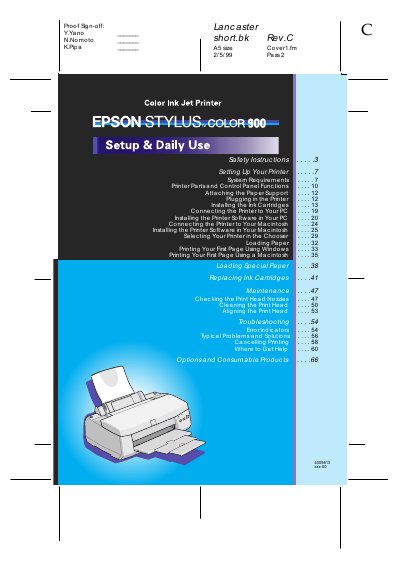
This guide walks you through the initial setup of the Epson Stylus Color 900, including installing the ink cartridges, connecting the printer to a PC (Windows or Macintosh), and loading paper. It also explains how to install the printer software from the supplied CD-ROM and how to use the USB and DOS user guides.
The manual provides daily‑use instructions such as loading paper, printing the first page, and routine maintenance like cleaning the print head. Safety precautions, troubleshooting tips, error indicators, and contact information for support are also included.
Additional guides are available on the CD‑ROM included with the printer; a web browser is required to view them.