
The TP-LINK TL-WA701ND Wireless Lite N Access Point is designed to establish or expand a scalable high-speed wireless N network or to connect multiple Ethernet enabled devices such as game consoles, digital media adapters, printers, or network attached storage devices to a wireless network.
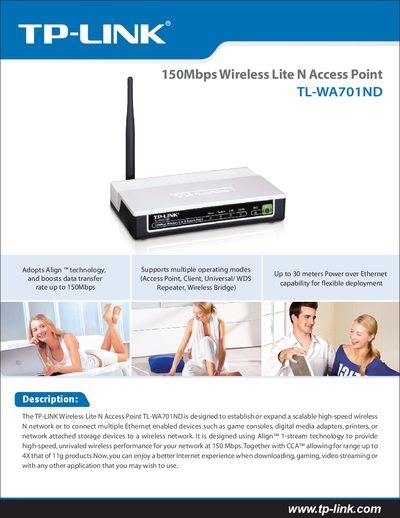
The TL-WA701ND is a 150Mbps Wireless Lite N Access Point that can be used to create or expand a high‑speed wireless network and connect Ethernet‑enabled devices such as game consoles, printers, and NAS units. It uses Align™ 1‑stream technology and CCA™ to improve range and performance, supporting up to 30 m Power over Ethernet for flexible deployment.
This manual includes a quick installation guide, details on operating modes (Access Point, Client, Universal/WDS Repeater, Wireless Bridge), specifications for wireless rates, frequency, power, antenna, temperature ranges, dimensions, and information on related TP‑Link products.
| 11g Wireless Rate | Up to 54Mbps (dynamic) |
|---|---|
| 11b Wireless Rate | Up to 11Mbps (dynamic) |
| Frequency Range | 2.4‑2.4835 GHz |
| Wireless Transmit Power | 20 dBm (Max) |
| Antenna Type | Detachable omni‑directional antenna |
| Power Supply | 9 VDC / 0.85 A Switching PSU |
| Operating Temperature | 0 °C ~ 40 °C (32 °F ~ 104 °F) |
| Storage Temperature | -40 °C ~ 70 °C (-40 °F ~ 158 °F) |
| Dimensions | 5.9 × 3.9 × 1.1 in (150 × 100 × 28 mm) |
You can set up a WPA encrypted secure connection by pressing the QSS button.
The device supports up to 4 SSIDs and VLANs.