
The TP-Link ADSL2/2+ Router (TD-8840T) is a 2-in-1 device that combines the functions of a DSL modem and 4-port 10/100 Ethernet router. It supports the latest ADSL2/2+ standards to provide higher performance and longer reach. The router also features QoS engine and dual active firewalls for network security.
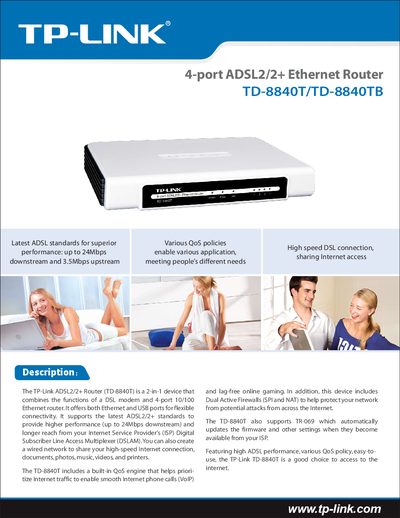
The TP‑Link TD‑8840T/TD‑8840TB is a 2‑in‑1 DSL modem and 4‑port 10/100 Ethernet router that supports ADSL2/2+ standards for up to 24 Mbps downstream and up to 3.5 Mbps upstream (Annex M). It includes QoS, dual firewalls, and TR‑069 remote management, making it suitable for home networking, VoIP, and online gaming.
This guide covers the router’s interfaces, data rates, ADSL, ATM, PPP, switching and routing features, firewall and VPN pass‑through settings, device management options, LED indicators, environmental specifications, and physical dimensions. It also lists the accessories included and related TP‑Link products.
| Downstream data rate | Up to 24 Mbps |
|---|---|
| Upstream data rate | Up to 3.5 Mbps (Annex M enabled) |
| RJ11 ports | 1 |
| Ethernet ports | 4 |
| Dimensions (L×W×H) | 7.9 × 5.5 × 1.1 in (200 × 140 × 28 mm) |
| Operating temperature | 0 °C ~ 40 °C |
| Storage temperature | -40 °C ~ 70 °C |
It provides four 10/100 Mbps Ethernet ports.
The router supports downstream speeds of up to 24 Mbps.
Yes, it has a built‑in QoS engine that prioritizes traffic for smooth VoIP calls.
TR‑069 automatically updates the firmware and settings when available from the ISP.