
The TL-WR940N Wireless N Router is a combined wired/wireless network connection device designed specifically for small business, office and home networking requirements. It provides a simple, very fast, pleasing way to access internet or Ethernet without cables for work or fun. It complies with the IEEE 802.11n standard with wireless transmission speeds of up to 300Mbps. The router features 4 10/100M switch ports to achieve the most effective data transmission. TL-WR940N adopts MIMO as well as SST™ technologies, has three external Omni directional antennas providing even better wireless performance, transmission rates, stability and coverage. TL-WR940N also provides easy and quick security setup with WPS (WiFi Protected Setup) standard, get network safety at the push of a button.
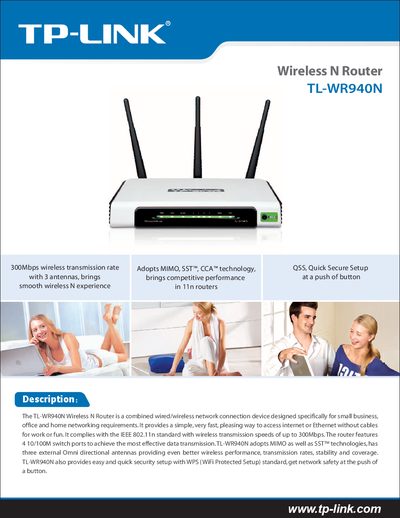
The TL-WR940N Wireless N Router is a combined wired/wireless network device designed for home, office, and small‑business environments. It supports IEEE 802.11n, 802.11g and 802.11b standards and offers up to 300 Mbps wireless transmission speed with three external omni‑directional antennas.
This manual covers quick secure setup (QSS/WPS), detailed technical specifications, configuration options such as PPPoE, static routing, VPN pass‑through, and built‑in firewall features. It also lists dimensions, power requirements, operating temperature ranges, and related TP‑Link products.