
The TP-LINK TL-WN321G Wireless USB Adapter is a compact and portable device that allows you to install your PC or notebook PC in the most convenient location without the need for network cables. It supports advanced WPA/WPA2 encryption for securing your wireless network. The adapter has auto-sensing capability for high-speed packet transfer up to 54Mbps, and can adjust its speed based on distance or electromagnetic interference. It is compatible with all 11Mbps wireless (802.11b) products. The TL-WN321G also supports soft AP mode and PSP connection for an enjoyable online gaming experience.
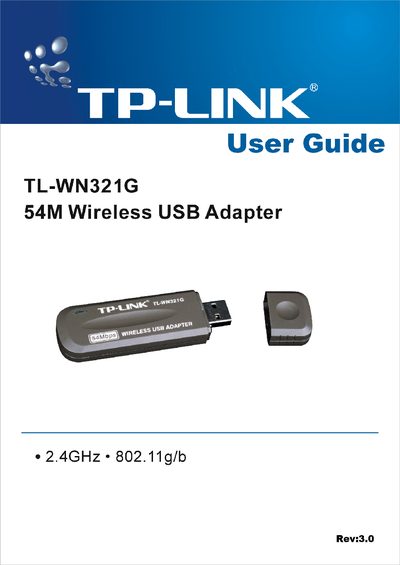
This guide introduces the TP-Link TL-WN321G 54M Wireless USB Adapter, describing its features such as IEEE 802.11g/b compliance, WPA/128‑bit WEP security, and USB interface. It explains how the adapter enables wireless connectivity for PCs and notebooks without cabling.
The manual covers software and hardware installation, driver setup for Windows 98SE/Me/2000/XP, configuration of profiles and security settings, and includes specifications, regulatory statements (FCC, CE) and contact information for support.
| Maximum data rate | 54 Mbps |
|---|---|
| Supported standards | IEEE 802.11g, IEEE 802.11b |
| Security | WPA and up to 128‑bit WEP encryption |
| Frequency range | 2.400 – 2.4835 GHz |
| Maximum transmit power | 100 mW EIRP |
The adapter works with Windows 98SE, Windows Me, Windows 2000, and Windows XP.
The box contains one TL‑WN321G USB Wireless Adapter, a USB extension cable, a Quick Installation Guide, and a resource CD with utilities and drivers.