
The TD-W8961ND Wireless N ADSL2+ Modem Router is a 3-in-1 device that combines the function of a high speed ADSL modem, a 4-Port 10/100Mbps NAT router and a wireless access point. It supports the latest ADSL2+ standards and provides high-speed, unrivaled wireless performance for your network at 300 Mbps.
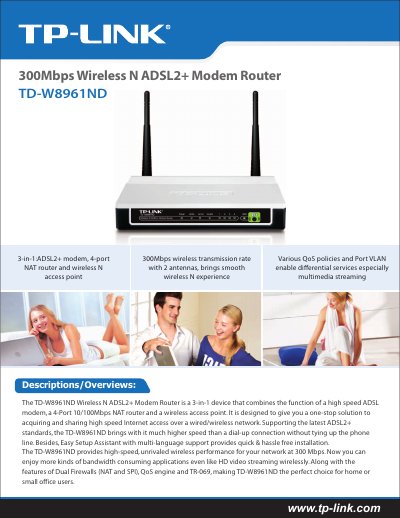
The TD-W8961ND is a 3‑in‑1 wireless N ADSL2+ modem router that combines a high‑speed ADSL2+ modem, a 4‑port 10/100Mbps NAT router, and a wireless access point. It delivers up to 300 Mbps wireless throughput and includes dual firewalls, QoS, and TR‑069 management for home or small‑office networking.
This manual covers the device’s features, detailed specifications, installation steps, security settings, and package contents. It also explains how to configure wireless security, QoS policies, VLANs, and remote management using the web interface or command line. This manual is written in Chinese.
| Wireless Speed | Up to 300 Mbps (dynamic) |
|---|---|
| LAN Ports | 4 × 10/100 Mbps RJ45 |
| WAN Port | 1 × RJ11 DSL |
| Wireless Standards | IEEE 802.11n/g/b |
| Maximum Transmit Power | 20 dBm (max EIRP) |
| Antenna Type | Omni‑directional, detachable, reverse SMA |
| Dimensions | 6.9 × 4.7 × 1.1 in (174 × 120 × 29 mm) |
| Operating Temperature | 0 °C ~ 40 °C |
The device supports up to 300 Mbps wireless speed (dynamic) under the 802.11n standard.
It includes four 10/100 Mbps RJ45 LAN ports.
It uses an omni‑directional, detachable antenna with a reverse SMA connector.