
TL-SC3130 2-Way Audio Surveillance Camera is a two-way audio surveillance camera
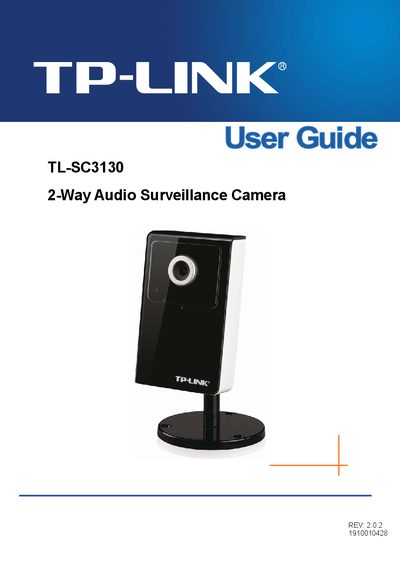
This guide covers everything needed to install and operate the TL‑SC3130 camera. It starts with package contents, minimum system requirements, and a physical overview of the front and bottom views, including LEDs, microphone, and connectors. Detailed steps for using the camera via web browsers and mobile phones are provided, along with configuration of the main menu and basic settings such as date/time, video format, and network options.
Advanced features such as FTP, SMTP, HTTP events, scheduling, motion detection, and system logs are explained in later chapters. The appendix and FAQ sections address common issues like forgotten passwords, image quality, and network connectivity, helping users quickly resolve problems.
| CPU Requirement | Pentium 4 1600MHz (or equivalent AMD) |
|---|---|
| RAM Requirement | 512 MB |
| Image Size | 640×480 |
| Bitrate | 2048 kbps |
| Frame Rate | 30 fps |
Make sure you are using a browser that supports ActiveX (Internet Explorer) or JavaScript (Firefox/Safari) and install the required ActiveX or JavaScript plug‑ins.
Adjust the camera’s focus by rotating the lens focus ring until the image becomes clear.