
The TL-ER6120 is a Gigabit Dual-WAN VPN Router with IPsec/PPTP/L2TP VPN, Load Balance, Access Control, IM/P2P Blocking, DoS Defense, Bandwidth Control, Session Limit, PPPoE Server and so on, which meets the needs of small and medium enterprises, hotels and communities with large volumes of users demanding an efficient and easy-to-manage network with high security.
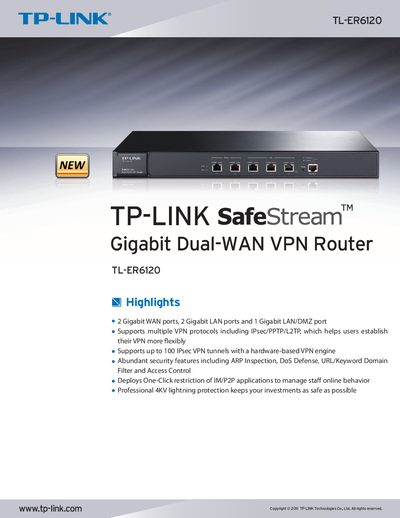
The TL-ER6120 SafeStream™ Gigabit Dual‑WAN VPN Router from TP‑LINK offers high‑performance VPN, load balancing, and security functions for small‑to‑medium enterprises, hotels, and large user communities. This guide explains how to install the hardware, configure WAN/LAN interfaces, and manage the router’s advanced features.
Key sections cover VPN support (IPsec, PPTP, L2TP), security mechanisms (ARP inspection, DoS defense, URL/keyword filtering), bandwidth management, load‑balancing policies, and detailed hardware specifications. The document also lists certification, package contents, and environmental requirements.
| WAN ports | 2 Gigabit WAN ports |
|---|---|
| Maximum IPsec VPN tunnels | 100 |
| IPsec VPN throughput (3DES) | 130 Mbps |
| Concurrent sessions | 60 000 |
| NAT throughput | 350 Mbps |
| Power supply | AC100‑240 V ~ 50/60 Hz |
| Dimensions | 11.6 × 7.1 × 1.7 in (294 × 180 × 44 mm) |
The router can handle up to 100 IPsec VPN tunnels.
It includes ARP Inspection, DoS/DDoS Defense, URL/Keyword Filtering, Access Control, and one‑click IM/P2P application blocking.