
The Linksys WVC54GC Wireless Internet Video Camera sends live video through the Internet to a web browser anywhere in the world! The compact, self-contained unit lets you keep track of your home, your kids, your workplace -- whatever's important to you. It has a high-quality video compression function and supports four simultaneous remote users. It also has a built-in standalone web server, no PC is required.
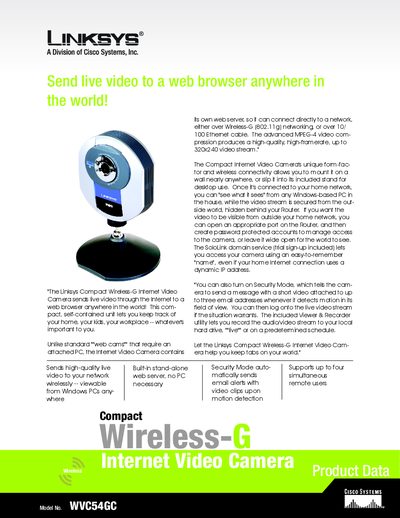
The Linksys WVC54GC Compact Wireless‑G Internet Video Camera connects to a home network via Wi‑Fi or Ethernet and streams MPEG‑4 video up to 320×240 resolution. It includes built‑in security features, motion‑detection email alerts, and optional SoloLink DDNS for remote access.
The manual covers hardware specifications, installation steps, network configuration, security settings, PTZ control, audio capture, and software utilities for monitoring multiple cameras and recording video clips.
| Model Number | WVC54GC |
|---|---|
| Power | External 5 V DC |
| Weight | 0.29 lb (0.13 kg) |
| Image Sensor | CMOS |
| Lens | Fixed focus 3 mm |
| Field of View | 61.48° |
| Video Resolution | 320×240, 160×128 |
| Video Compression | MPEG‑4 |
| Motion Detection Sensitivity | 1.0 V/Luxsec |