
TL-WN353G is a 54M Wireless PCI Adapter with variable specifications and characteristics. It is a registered trademark of TP-LINK TECHNOLOGIES CO., LTD and complies with FCC rules for class B digital devices.
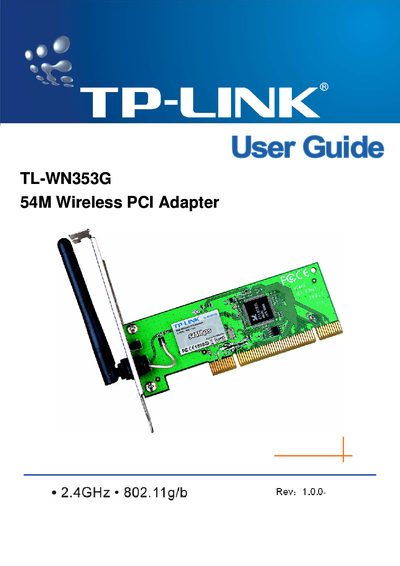
The TL-WN353G 54M Wireless PCI Adapter lets you add high‑speed 802.11g/b Wi‑Fi to a desktop PC without running network cables. It supports up to 54 Mbps data rates, WPA/WPA2 security, and a fixed antenna, and works with Windows 98 through Vista.
This guide covers hardware installation, software setup, LED status indicators, security options, FCC/CE compliance, and contact information, with a quick‑start checklist and detailed configuration instructions.
| Wireless Standard | IEEE 802.11g/b |
|---|---|
| Maximum Data Rate | Up to 54 Mbps |
| Interface | 32‑bit PCI |
| Antenna Type | Fixed antenna |
The adapter supports Windows 98, ME, 2000, 2003, XP, Vista, and XP64.
It supports WPA/WPA2 with TKIP/AES encryption and 64/128/152‑bit WEP encryption.