
The TL-SL5428 is a 24-port 10/100 + 4-port Gigabit Ethernet managed switch. It provides high-performance and reliable network connections, with easy installation and usability.
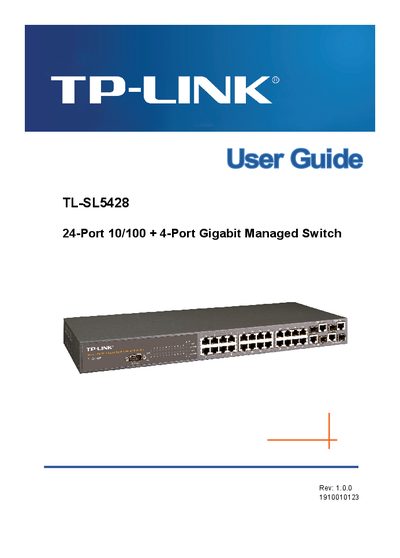
This user guide provides step‑by‑step instructions for installing and configuring the TL‑SL5428 24‑port 10/100 + 4‑port Gigabit Managed Switch. It covers initial hardware connections, basic and advanced configuration options, and how to use the web interface, console, and SNMP for management.
The manual also details security features such as SSH, HTTPS, AAA, and port‑level authentication, as well as VLAN, QoS, and multicast settings. FCC and CE compliance information is included to help users avoid radio‑frequency interference.
| Port count | 24 10/100 ports + 4 Gigabit ports |
|---|---|
| Device type | Managed Ethernet switch |
| FCC compliance | Class A digital device |
Use the "Setting an IP Address" section in the Initial Configuration chapter to assign an IP address to the switch.
Enable SNMP management access in the Initial Configuration chapter, then configure community strings or SNMPv3 settings as needed.
VLAN configuration is covered in the VLAN Configuration chapter, including creating VLANs, adding static members, and enabling GVRP.