
The Brother HL-2040 is a stylishly designed, compact machine offering quality mono printing.
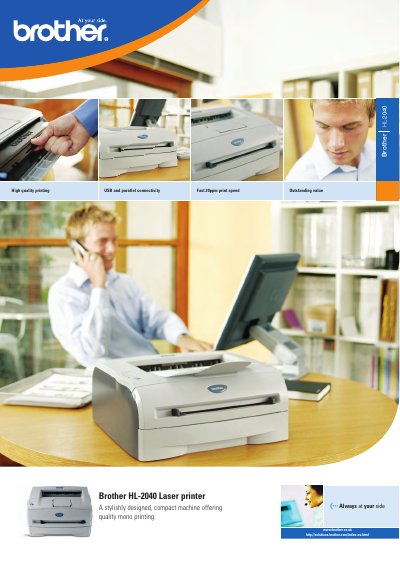
The Brother HL-2040 is a compact laser printer designed for small‑office use. It offers up to 20 pages per minute print speed, a 250‑sheet paper tray, and optional network connectivity for multiple users. The manual covers installation, connectivity options, media handling, and troubleshooting.
Key features include USB and parallel ports as standard, optional wireless or Ethernet networking, a 96 MHz SPARClite processor with 8 MB memory, and a high‑resolution HQ1200 (2400 × 600 dpi) print engine. Power consumption is under 450 W while printing, and the printer meets noise and ecological standards.
| Print speed | Up to 20 ppm |
|---|---|
| First print time | < 10 seconds |
| Processor | SPARClite 96 MHz |
| Memory | 8 MB |
| Interface (standard) | Full‑Speed USB 2.0, IEEE 1284 Parallel |
| Paper tray capacity | 250 sheets (plus 1‑sheet manual feed) |
| Toner cartridge capacity | ≈2,500 A4 pages |
| Drum capacity | ≈12,000 A4 pages |
| Dimensions (W × D × H) | 371 × 361 × 165.5 mm |
| Weight | 6.5 kg |
| Power consumption (printing) | < 450 W |
| Noise level (printing) | < 51 dB(A) |
The printer can print up to 20 pages per minute.
The main paper tray holds up to 250 sheets, and there is a 1‑sheet manual feed slot.
Standard USB 2.0 and parallel ports are included, with optional wireless (802.11b) or Ethernet networking.
The first print time is less than 10 seconds.