
This article explains how to refill toner cartridges for the Brother HL-5200 series printers.
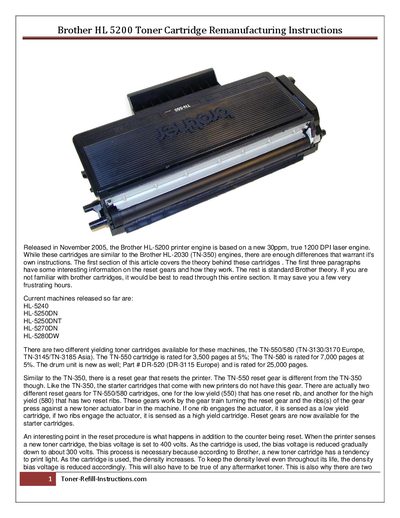
This document provides detailed instructions for remanufacturing Brother HL‑5200 toner cartridges. It explains the cartridge theory, the role of reset gears, bias voltage behavior, and the cleaning process required to avoid back‑grounding issues.
The guide lists the tools and supplies needed, then walks technicians through disassembly, gear cleaning, drum cleaning, re‑assembly, and final refilling with fresh toner. Safety tips and common pitfalls are also covered.
| Print speed | 30 ppm |
|---|---|
| Resolution | 1200 DPI |
| TN-550 page yield | 3,500 pages at 5% coverage |
| TN-580 page yield | 7,000 pages at 5% coverage |
| Drum unit life | 25,000 pages |
| Initial bias voltage | 400 V |
| Final bias voltage | ≈300 V |
The TN-550 cartridge is rated for 3,500 pages at 5% coverage.
The reset gear resets the printer when a new cartridge is installed; low‑yield cartridges have one reset rib, high‑yield cartridges have two ribs.
You need a toner‑approved vacuum, a Phillips head screwdriver, a small common screwdriver, and needle‑nose pliers.
When a new cartridge is installed the bias voltage is set to 400 V and is gradually reduced to about 300 V as the cartridge is used.