
Logitech K300 is a keyboard produced by Logitech. It features stylish backlit media control buttons, space-saving design with full-size keys, integrated full-size number pad, ultra-flat profile and easy setup.
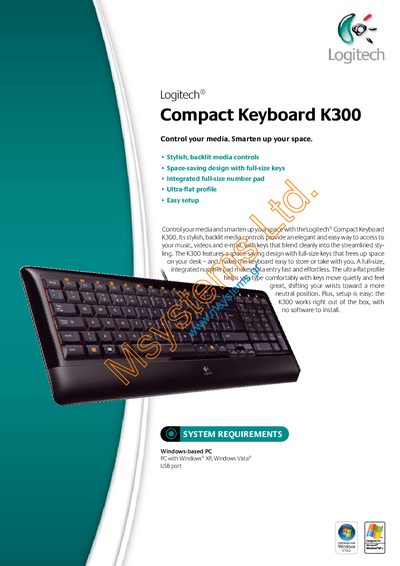
The Logitech Compact Keyboard K300 offers a space‑saving design with full‑size keys, an integrated number pad, and stylish backlit media controls. It works right out of the box with no software installation required, making setup quick and easy.
Technical specifications include dimensions, weight, and packaging details. The package contains the keyboard, a quick‑start guide, and a 3‑year guarantee, and the manual lists the required Windows‑based PC environment.
| Keyboard type | Corded Keyboard |
|---|---|
| Weight | 950g |
| Length | 445m |
| Width | 3.5m |
| Height/Depth | 20cm |
| Volume | 3.115dm? |
A Windows‑based PC with Windows XP or Windows Vista and a USB port is required.
No software installation is needed; the keyboard works right out of the box.
The package contains the Logitech Compact Keyboard K300, a quick‑start guide, and a 3‑year guarantee with full product support.
Yes, the keyboard features stylish, backlit media‑control keys.