
Logitech M500 wired mouse with 1000dpi laser precision, support back/forward buttons, can be used on Windows XP/Vista or Mac OS X 10.3.9 or later
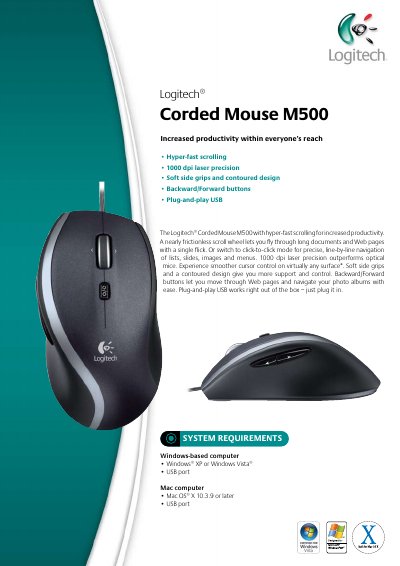
The M500 Corded Mouse offers hyper‑fast scrolling, 1000 dpi laser precision, soft side grips, and backward/forward navigation buttons. It works via plug‑and‑play USB, so it can be used immediately on compatible Windows or Mac computers.
The package includes the mouse, a quick‑start guide, and a three‑year guarantee. System requirements list Windows XP/Vista and Mac OS X 10.3.9 or later. Physical dimensions and weight are also provided.
| Resolution | 1000 dpi laser |
|---|---|
| Interface | Plug‑and‑play USB |
| Weight | 350 g |
| Length | 16.2 cm |
| Width | 6.7 cm |
| Height/Depth | 22.6 cm |
It provides 1000 dpi laser precision.
No, it is plug‑and‑play USB and works right out of the box.
Windows XP or Vista, and Mac OS X 10.3.9 or later.