
The diNovo Mini is a palm-sized keyboard with media remote and ClickPad. This document provides information about the product overview, market summary, major features, and specifications.
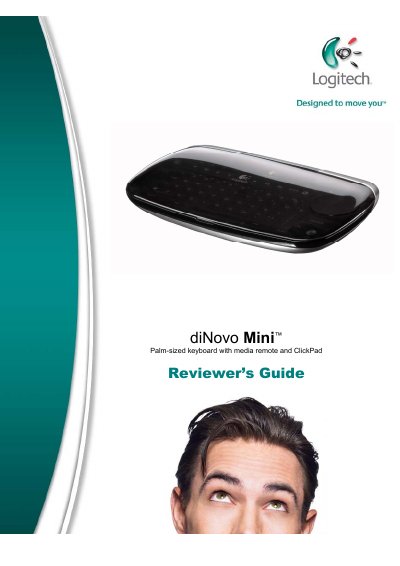
The diNovo Mini is a palm‑sized, cordless keyboard with an integrated dual‑purpose ClickPad that can function as a touch‑pad or a directional pad. It offers Bluetooth wireless control, backlighting, and a rechargeable Li‑ion battery that can last up to a month, making it suitable for living‑room PC entertainment.
The guide includes a product overview, detailed specifications, installation tips, and step‑by‑step usage instructions for both touch‑pad and media‑remote modes, as well as tips for using the device with Windows Media Center, iTunes, and PlayStation 3.
| Price | $149.99 (U.S.) |
|---|---|
| Dimensions | 6" x 3.5" x 1.1" (with cover closed) |
| Weight | 170‑175 g (with battery and mini‑receiver) |
| Bluetooth version | Bluetooth 2.0 |
| Battery capacity | 950 mAh lithium‑ion |
| Estimated battery life | Up to 30 days |
The rechargeable Li‑ion battery provides up to 30 days of typical use on a single charge.
Bluetooth wireless control works up to 30 feet.