
This is a user manual for the Digital Camera E
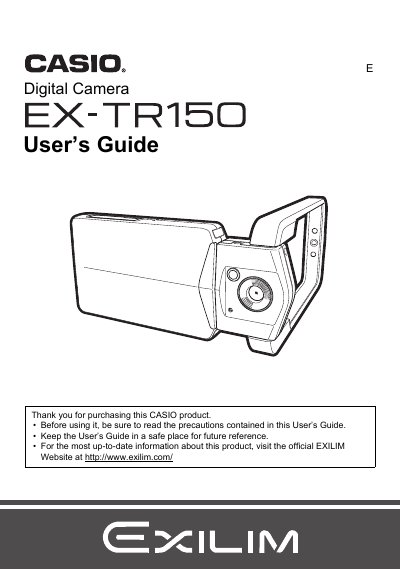
The Casio EX-TR150 is a digital camera designed with advanced features such as HDR Art effects, Motion Shutter for self-timer operations, and High Speed Anti Shake. The guide explains how to use the touch panel, configure settings like white balance and ISO sensitivity, and utilize specialized modes for portraits and panoramas.
The manual also covers viewing and editing snapshots and movies directly on the camera, transferring files to a computer via USB or Eye-Fi wireless cards, and printing images. It includes troubleshooting tips, battery care instructions, and detailed specifications.
| Input Power (Adaptor) | 100 to 240 V AC, 50/60 Hz, 100 mA |
|---|---|
| Output Power (Adaptor) | 5.0 V DC, 650 mA |
| Operating Temperature (Adaptor) | 5 to 35°C (41 to 95°F) |
You can use the 'Cut out subject' function found in the PLAY Menu to extract an image.
Yes, you can use an Eye-Fi Wireless SD Memory Card to transfer images.