
This is a user's guide for CASIO Digital Camera E
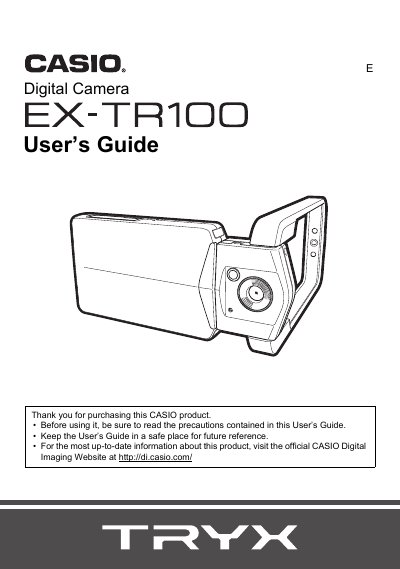
This document is the official User's Guide for the Casio EX-TR100 digital camera. It provides instructions on unpacking the device, configuring initial settings, and using various shooting features such as HDR Art, Slide Panorama, and Motion Shutter.
The guide also details how to view and edit images and movies directly on the camera or transfer them to a computer via USB or Eye-Fi wireless memory cards. Additional sections cover printing options, troubleshooting common issues, and technical specifications.
| Input Power | 100 to 240 V AC, 50/60 Hz, 100 mA |
|---|---|
| Output Power | 5.0 V DC, 650 mA |
| Operating Temperature | 5 to 35°C (41 to 95°F) |
| Dimensions | 53 (WW) X 21 (H) X 45 (D) mm |
| Weight | Approximately 37 g (1.3 oz) |
Before shooting your final image, you should shoot a test shot to ensure that the camera is recording correctly.
Some very small number of pixels may not light or remain lit due to liquid crystal panel characteristics; this does not indicate malfunction.