
This is an operation guide for 5082 Casio watch
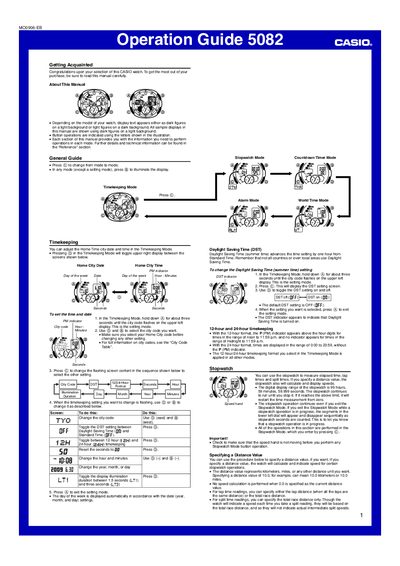
This operation guide introduces the Casio 5082 watch, describing button functions, display illumination, and mode navigation. It covers basic setup such as setting the home city, adjusting daylight saving time, and configuring the watch's calendar.
The manual provides detailed instructions for each mode—Timekeeping, Countdown Timer, Stopwatch, World Time, and Alarm—including how to set alarms, measure lap and split times, and adjust the speed hand. Reference sections list technical details, safety warnings, and troubleshooting tips.
| Illumination duration options | 1.5 seconds or 3 seconds |
|---|---|
| Year setting range | 2000‑2099 |
| Distance value range (stopwatch) | 0.1 to 99.9 |
Press the illumination button (©) to turn on the display, then hold the @ button in Timekeeping Mode to enter the illumination setting screen. Press © nine times to show the current duration and press © again to toggle between 1.5 seconds and 3 seconds, then press @ to exit.
Enter Countdown Timer Mode, press © to start the timer, hold @ to set the start time (hours and minutes), then press © to begin counting down. Press © again to pause, and press @ to stop and reset.