
This is a user manual for the CASIO MA1002-EA watch, which introduces the watch's functions, usage methods, and precautions.
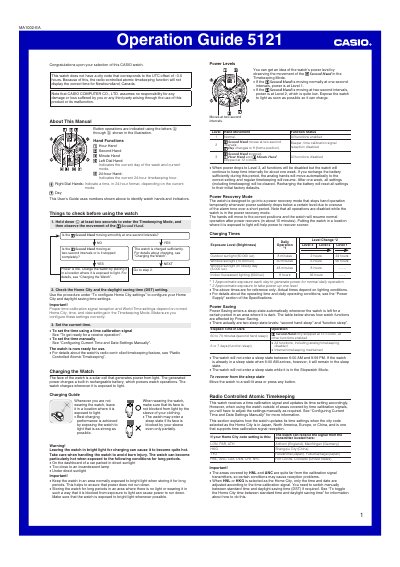
This guide provides step‑by‑step instructions for using the Casio 5121 watch, including how to check power levels, charge the solar‑powered watch, configure Home City and daylight‑saving settings, and operate the stopwatch. It also covers the radio‑controlled atomic timekeeping feature and how to receive calibration signals.
The manual details the four operating modes (Timekeeping, Stopwatch, World Time, Alarm), explains manual and automatic signal reception, and lists safety warnings for exposure to bright light. All procedures are illustrated with button symbols and hand‑movement cues.
| Power Level 1 | Second hand moves at one‑second intervals |
|---|---|
| Power Level 2 | Second hand moves at two‑second intervals (low power) |
| Charging illumination requirement | Outdoor sunlight ~50,000 lux for 8 min – 2 h (or 24 h for full charge) |
Observe the movement of the second hand in Timekeeping Mode – one‑second intervals indicate Level 1, two‑second intervals indicate Level 2, and a stopped hand indicates Level 3.
In Timekeeping Mode, hold down the button (©) for about five seconds, then use © and @ to adjust hour and minute hands; press © again to exit.
In Timekeeping Mode, hold down © for about two seconds, watch the second hand move to READY then WORK, and wait for the hand to indicate YES (successful) or NO (failed).