
This is the user manual of CASIO Digital Camera E
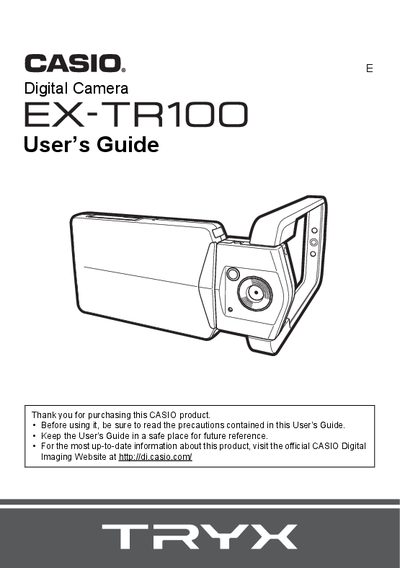
This guide walks you through unpacking the camera, checking included items, and preparing the battery and memory card before first use. It explains basic controls, the touch panel, and how to configure initial settings such as date, time, and language.
Detailed sections cover shooting modes (snapshot, HDR, panorama, night scene, anti‑shake), playback functions, connecting the camera to Windows or Macintosh computers via USB, and advanced settings like HDMI output, ISO, white balance, and image review. The appendix includes safety precautions, power specifications, and troubleshooting tips.
| Input Power | 100 to 240 V AC, 50/60 Hz, 100 mA |
|---|---|
| Output Power | 5.0 V DC, 650 mA |
| Operating Temperature | 5 to 35°C (41 to 95°F) |
| Dimensions | 53 mm × 21 mm × 45 mm (2.1" × 0.83" × 1.8") |
| Weight | Approximately 37 g (1.3 oz) |
First, charge the battery prior to use as described in the charging section of the guide.
Connect the camera to a Windows or Macintosh computer using the supplied USB cable.
The adaptor accepts 100‑240 V AC input and provides 5.0 V DC at 650 mA output.
The HDMI terminal is located on the side of the camera and can be selected in the HDMI output method menu.