
This document is an operation guide that explains how to use and take care of a CASIO watch, including charging the battery and using the power saving function.
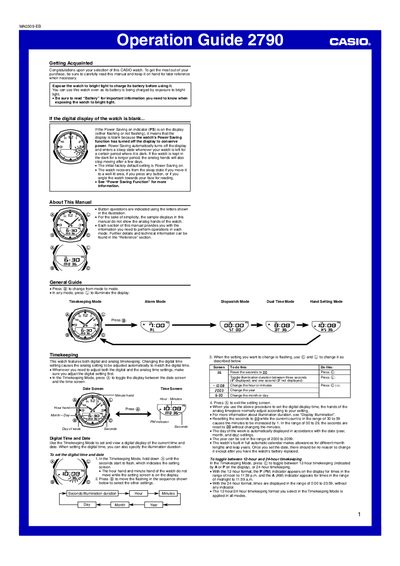
This guide introduces the Casio 2790 watch, covering basic operation, button functions and how to set the digital and analog time. It explains the various modes—Timekeeping, Alarm, Stopwatch, Dual‑Time and Hand Setting—plus how to adjust the date, 12/24‑hour format and illumination settings.
The manual also details the solar‑charged rechargeable battery, power‑saving function, auto light switch, and charging requirements. Safety precautions for exposure to bright light and battery handling are provided, along with troubleshooting tips for common issues.
| Year setting range | 2000‑2099 |
|---|---|
| Stopwatch display range | 59 minutes, 59.99 seconds |
| Illumination duration options | 1 second or 3 seconds |
| Outdoor sunlight charging time | ≈5 minutes per day (60 000 lux) |
In Timekeeping Mode, hold down the @ button until the seconds flash, then use the © and © buttons to change hour, minute, year, month, etc., and press @ to exit.
Press the © button in any mode; the illumination will stay on for the duration set (one or three seconds).
In Timekeeping Mode, hold down the © button for about two seconds; the PS indicator will appear or disappear to show the current state.
Only a CASIO‑specified ML2016 battery should be used; other rechargeable batteries can cause damage.