
This manual introduces the basic operations and setups of SE-C300 electronic cash register.
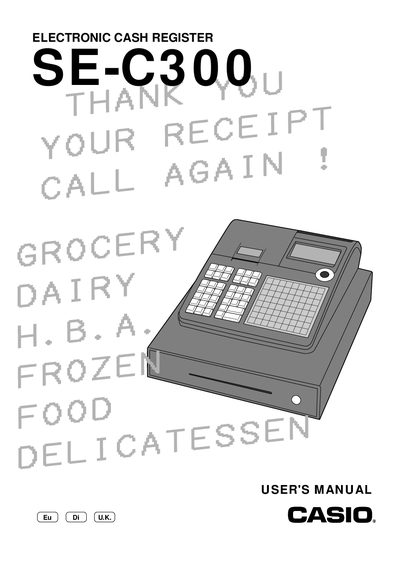
This manual introduces the Casio SE-C300 electronic cash register and guides users through initial installation, memory protection battery loading, paper loading, and basic configuration steps. It explains how to set the date, time, tax tables, and various pricing options.
The document covers detailed programming of departments, PLUs, discounts, and clerk functions, as well as report generation, currency exchange, and maintenance tasks such as paper replacement and troubleshooting common errors.
Use the mode switch in PGM position and select the option to set the date.
Open the receipt paper compartment and insert a new roll of receipt paper.
Select the print function for daily sales reset reports from the menu.