
This document introduces how to use the stopwatch on the 2328/5051 watch, including how to measure time and adjust the position of the stopwatch second hand.
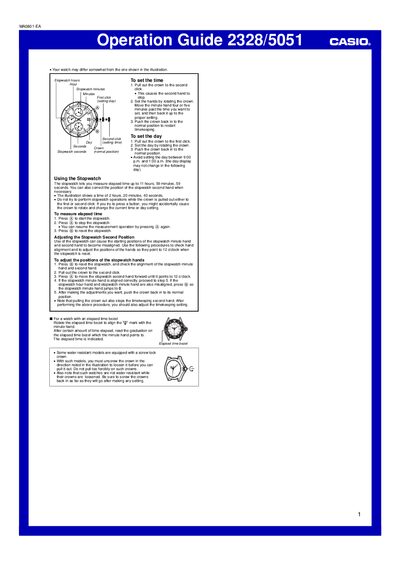
This operation guide provides step‑by‑step instructions for setting the time and day on the Casio 2328/5051 watch, as well as using and adjusting its stopwatch functions. It also covers special features such as the elapsed‑time bezel and water‑resistant crown handling.
Key procedures include pulling the crown to the appropriate click for time or day adjustments, operating the stopwatch buttons, and aligning the stopwatch hands. The guide notes precautions for water‑resistant models with screw‑lock crowns and advises against operating the stopwatch while the crown is pulled out.
| Stopwatch maximum duration | 11 hours, 59 minutes, 59 seconds |
|---|---|
| Water‑resistance crown type | Screw lock crown on some models |
Pull out the crown to the second click, rotate the crown to set the hands, then push the crown back in.
Pull out the crown to the first click, rotate the crown to set the day, and push the crown back in.
Reset the stopwatch, pull out the crown to the second click, then press the start button to move the second hand to 12 o'clock.