
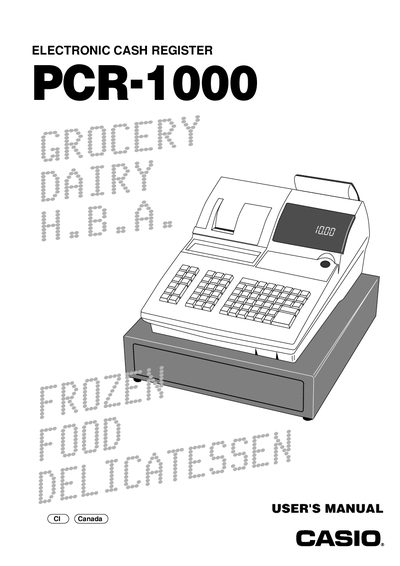
This document is the user manual for CASIO PCR-1000 electronic cash register. It provides guidelines laid down by FCC rules for the use of the unit in the U.S.A. and includes operation instructions and precautions.
This manual guides you through unpacking, installing, and powering the Casio PCR-1000 cash register, including connecting to a wall outlet, inserting the PGM mode key, and loading receipt/journal paper. It also explains how to set the date, time, tax tables, and other basic configurations.
Further sections cover detailed programming of clerks, departments, PLUs, discounts, and currency exchange functions, as well as troubleshooting, maintenance tasks such as replacing ink ribbons and paper, and warranty information with service center contacts.
Plug the cash register into a wall outlet and ensure the voltage matches the local power supply.
Insert the mode key marked “PGM” into the mode switch.