
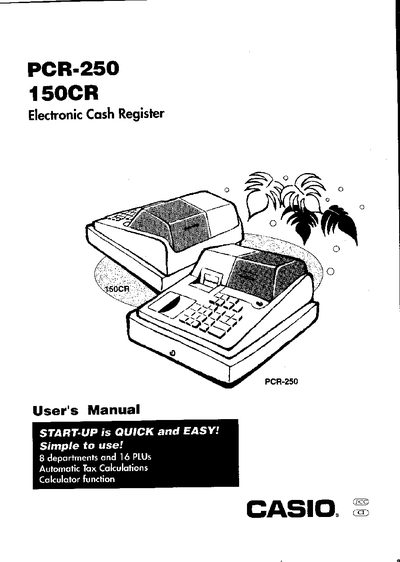
This manual introduces the PCR-250 cash register, covering its hardware layout, mode switch functions, and basic operation steps. It guides users through quick start procedures such as initializing the unit, loading memory‑protection batteries, and installing paper and ink rolls.
Later sections detail daily job flow, programming options, troubleshooting tips, specifications, and warranty information, helping store operators keep the register running smoothly and comply with FCC regulations.
| Power supply | 120 V, 50/60 Hz |
|---|---|
| Display capacity | 8 digits |
| Memory protection batteries | UM‑3, R6P (SUM‑3) or LR6 (AM‑3) |
| Departments and PLUs | 8 departments, 16 PLUs |