
This document is the user manual for the PCR-T2000 electronic cash register, providing information on safety precautions and instructions for use.
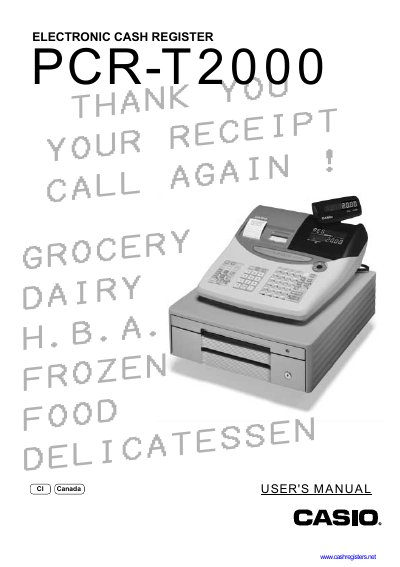
This manual covers everything needed to install, configure and operate the Casio PCR‑T2000 electronic cash register. It includes safety precautions, power‑up procedures, paper loading, battery installation, and detailed programming of tax tables, department keys, PLUs, discounts, and other functions.
Additional sections describe troubleshooting, error handling, warranty information, and routine maintenance such as paper replacement and battery servicing. The guide is intended for cash‑register operators and service technicians.
| Input voltage | 100 V ~ 240 V AC |
|---|---|
| Memory backup batteries | Three SUM‑3 (UM‑3) batteries |
| Paper type | Thermal receipt/journal paper |
| Battery replacement interval | At least once every two years |
Immediately shut down the power and unplug the AC plug from the power outlet.
The batteries should be replaced at least once every two years, regardless of usage.
No – attempting to take the register apart is extremely dangerous; contact a Casio service representative.