
This document is the user manual for Vivicam 3625 digital camera, providing instructions and describing the features and characteristics of the camera.
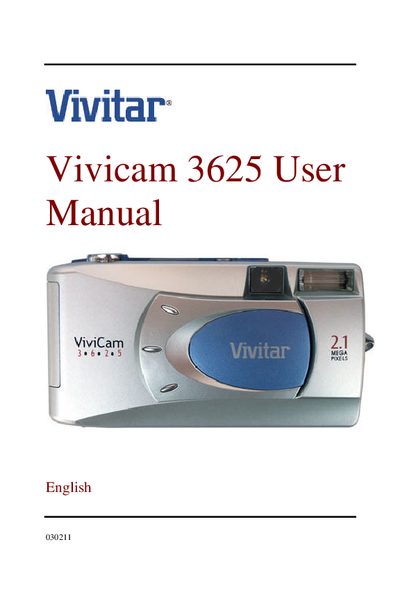
This manual introduces the Vivicam 3625 digital camera, covering safety warnings, package contents, and basic handling instructions. It explains how to install batteries or an AC power adapter, insert an SD memory card, and connect the camera to a computer for image transfer.
The guide details camera operation modes such as record, playback, and movie, and describes menu options, LCD functions, and zoom. Technical specifications, including sensor type, resolution, memory capacity, and power requirements, are listed at the end of the document.
| Sensor type | 1/3.2" CCD |
|---|---|
| Resolution | 1600x1200 pixels |
| LCD | 1.6" color TFT LCD |
| Internal memory | 8 MB |
| Maximum SD card capacity | 128 MB |
| Power source | 2 AA Alkaline or Ni‑MH batteries, or AC adapter |
| Dimensions | 105 × 44 × 55 mm |
| Weight | Approx. 150 g |
The camera runs on two AA alkaline or Ni‑MH batteries, or it can be powered by an AC adapter.
It supports an SD memory card up to 128 MB in size.
The camera captures images at a resolution of 1600 × 1200 pixels.
The LCD is a 1.6‑inch color TFT display.