
This manual describes the use of LT-42E488, LT-42E478, LT-37E488, LT-37E478, LT-32E488, LT-32E478 models.
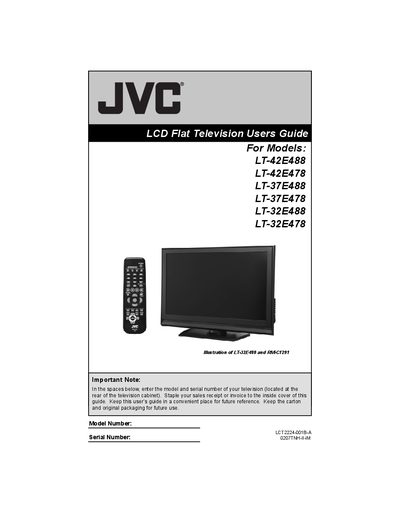
This guide provides safety information, installation instructions, and basic operation for JVC LCD flat‑screen televisions. It includes warnings about electric shock, proper ventilation, and handling of the cabinet and stand.
The manual explains how to use the remote control, set up the auto tuner, adjust picture and sound settings, and troubleshoot common issues. It also covers cleaning the screen, preventing ghost images, and warranty information.
Do not tilt the TV towards the left or right, or towards the back, and keep sufficient space for ventilation.
Wipe the screen gently with a soft cloth; do not use alcohol, acetone, or other solvents.
Displaying fixed images for long periods can cause temporary ghost images; vary your viewing content to prevent this.
Run the Auto Tuner Setup, which detects and programs all channels received through the RF input.