
BR-DV600U/E video cassette recorder instruction manual, introduces the use of the recorder, functions, common problems and other information
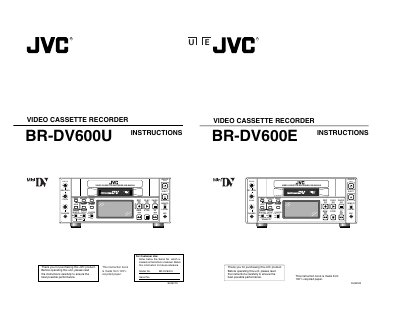
This manual introduces the JVC BR‑DV600U video cassette recorder, covering major features, safety precautions and the required power supplies. It explains the front‑panel controls, rear‑panel connectors, LCD display functions and menu‑switch organization.
Detailed sections describe how to prepare the unit, load and unload MiniDV cassettes, record and playback video, use time‑code functions, operate the external timer‑start and RS‑232C interface, and perform routine maintenance. The specifications and troubleshooting guide are provided at the end of the document.
| Video format | MiniDV |
|---|---|
| Power supply (U model) | AC 120 V, DC 12 V |
| Power supply (E model) | AC 220‑240 V, DC 12 V |
| RS‑232C interface | Optionally available |
| Audio dubbing sampling rate | 32 kHz |
| Time‑code (U model) | SMPTE |
| Time‑code (E model) | EBU |
| Audio sampling conversion | 32 kHz 12‑bit / 48 kHz 16‑bit |
Use an exclusive head‑cleaning tape to clean the tape‑running system, then verify proper recording and playback before use.
The unit accepts AC 120 V (U model) or AC 220‑240 V (E model) and a DC 12 V supply; the AC supply has priority when both are connected.
Battery power is only recommended as a supplementary source for field use; the primary operation should use the AC or DC power supplies.
Only MiniDV‑marked video cassettes may be used with this recorder.