
This manual is for the KD-R621 CD receiver and introduces the functions and usage of the product.
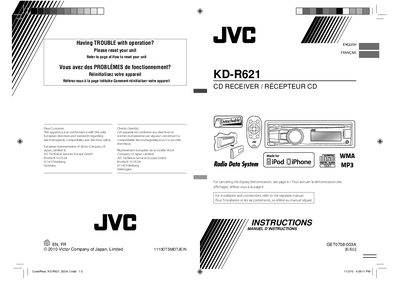
This manual covers the installation, basic operation, and maintenance of the JVC KD‑R621 CD receiver for automotive use. It includes instructions for attaching the control panel, resetting the unit, ejecting discs, and using the remote controller, as well as safety warnings for laser components and battery handling.
The document also details radio and CD playback features, Bluetooth connectivity, preset station programming, and a full specifications table covering audio output, tuner ranges, USB support, power requirements, and physical dimensions.
| Maximum Power Output | 50 W per channel |
|---|---|
| Continuous Power Output (RMS) | 20 W per channel |
| Signal‑to‑Noise Ratio | 70 dB |
| Frequency Response (Audio) | 40 Hz – 20 kHz |
| USB Standard | USB 1.1, USB 2.0 |
| Mass | 1.2 kg (excluding accessories) |
The remote controller uses a CR2025 lithium coin battery; replace it with an equivalent type.
Refer to the “How to reset your unit” section of the manual for the reset procedure.