
HiPath 500 HiPath 3000 HiPath 5000 optiPoint 500 entry Operating Instructions, describes how to use the product's operating methods and features
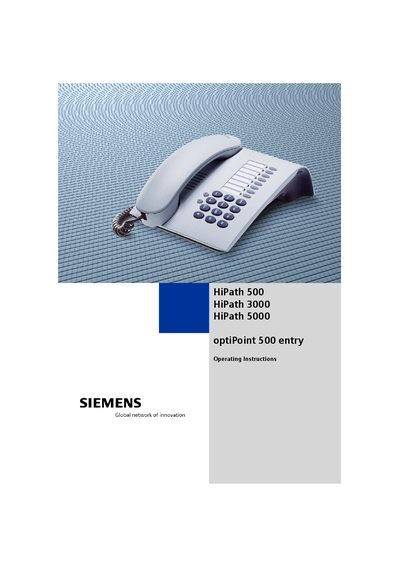
This manual provides detailed operating instructions for the Siemens optiPoint 500 entry telephone, covering basic call functions, advanced features, and safety guidelines. It explains how to make and receive calls, use convenience functions such as speed‑dial, callback, and call forwarding, and configure telephone settings like ring volume and tone.
Additional sections describe security features, LAN integration, equipment attachment limits, and troubleshooting procedures. The document also includes regulatory information for CE and Industry Canada compliance, as well as maintenance and repair guidance.
| Maximum Ringer Equivalence Number (REN) | 5 |
|---|---|
| CE compliance | Yes |
No, only original Siemens accessories should be used; other accessories may cause a hazard and void the warranty.
No, the telephone must not be operated in environments where there is a danger of explosions.
The total REN of all connected devices must not exceed 5.
Maintenance instructions are located on page 59 of this manual.