
This manual introduces the basic functions of the Pro Tool/Lite configuration software and provides detailed instructions on how to use the Pro Tool/Lite configuration software to configure the system.
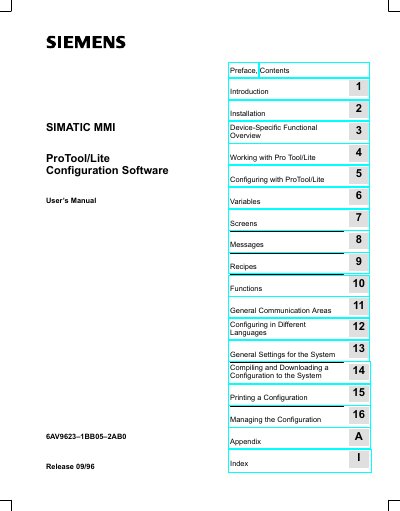
This manual provides a complete guide for configuring Siemens Operator Panels (OP3, OP5, OP7, OP15, OP17, C7‑623, C7‑624) with the ProTool/Lite configuration software. It covers installation of the software, the functional overview of supported panels, and step‑by‑step instructions for creating and managing configurations.
The document is organized into chapters covering topics such as variables, screens, messages, recipes, functions, communication areas, multilingual configuration, system settings, compiling and downloading configurations, printing, and configuration management. Appendices contain indexes, code tables, and contact information for Siemens support.
| OP3 firmware requirement | V1.00 or later |
|---|---|
| OP5 firmware requirement | V1.20 or later |
ProTool/Lite can configure OP3, OP5, OP7, OP15, OP17, C7‑623 and C7‑624 panels.
The required firmware versions are OP3 V1.00+, OP5 V1.20+, OP15 V2.20+, OP7 V1.0+, and OP17 V1.0+.
Use the "Downloading the Configuration to the OP" procedure described in Chapter 14 of the manual.