
This document is an easy start guide for using the JVC Everio camcorder, providing information on recording files, recording techniques, and using the touch screen. It also includes details on accessories and online video tutorials.
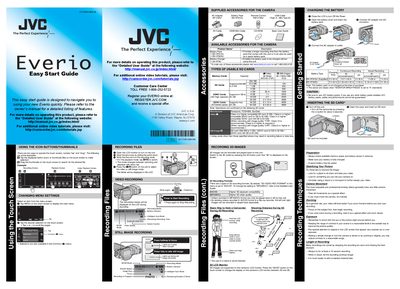
The Quick Start Guide walks you through the basic operations of the JVC Everio camcorder, including recording files, using the touch screen, and handling accessories. It also points you to the detailed user guide for full feature information.
Additional sections cover battery charging, supported memory cards, playback options, and how to transfer or upload videos using the Everio MediaBrowser 3D software, HDMI or AV connections, and YouTube integration.
| Battery Pack Compatibility | JVC BN‑VF815U, BN‑VF823U |
|---|---|
| Charging Time (BN‑VF815U) | 2 h 40 min |
Only JVC battery packs BN‑VF815U or BN‑VF823U are supported; using other brands is not guaranteed.