
Specifications of TL-WA5110G 54M High Power Wireless Access Point.
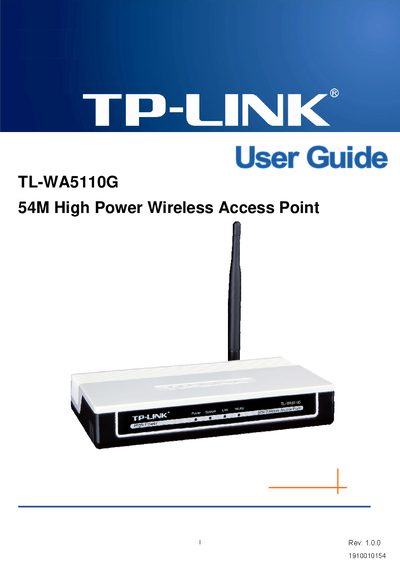
This guide introduces the TL‑WA5110G 54 M High Power Wireless Access Point, covering product overview, hardware installation, front‑ and rear‑panel details, and environmental requirements. It also lists the package contents and provides quick‑installation steps.
The manual then explains how to configure the device in various operation modes, covering LAN/WAN settings, wireless basic settings, security options, DHCP, port forwarding, system tools, firmware updates, factory defaults, backup & restore, and includes a glossary of networking terms and a specifications appendix.
| Frequency range | 2400.0‑2483.5 MHz |
|---|---|
| Product description | 54 M High Power Wireless Access Point |
Try reorienting or relocating the receiving antenna, increase the separation between the equipment and receiver, connect the equipment to a different circuit, or consult a qualified technician.
The device operates in the 2400.0‑2483.5 MHz band, with country‑specific restrictions.
The technology can extend the transmission distance up to about 830 m, roughly three times that of traditional 802.11b/g devices.