
This manual provides a detailed introduction to the functions and features of the SHARP UP-700 POS terminal
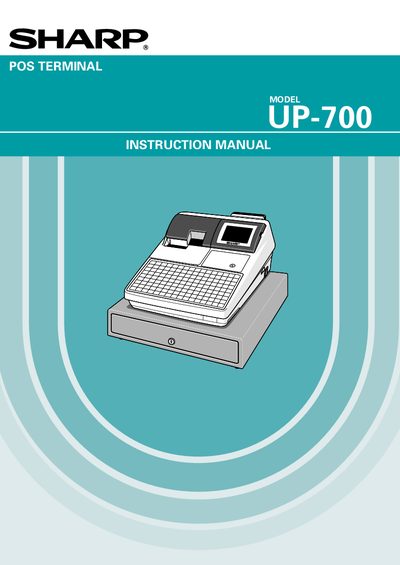
This manual introduces the Sharp UP-700 POS terminal, covering safety precautions, installation guidelines, and basic operation. It explains how to protect the unit from sunlight, humidity, and improper handling, and describes the built‑in memory protection battery and its charging requirements.
Detailed sections cover keyboard programming, transaction processing, report generation, and optional features such as tax handling and customer management. The final pages outline warranty information and contact details for authorized Sharp dealers.
| Power Input | 120V AC (standard wall outlet) |
|---|---|
| Battery Type | Nickel Metal Hydride (rechargeable) |
| Initial Battery Charge Time | 24 to 48 hours |
Install the terminal away from direct sunlight, extreme temperature changes, high humidity, water sources, heat, and magnetic sources.
Plug the terminal into AC power and set the power switch to ON for 24‑48 hours to fully charge the battery.
It uses a Nickel Metal Hydride battery, which must be disposed of according to local environmental regulations.