
This manual introduces the basic operating methods of LC-32SB24U and LC-37SB24U liquid crystal televisions.
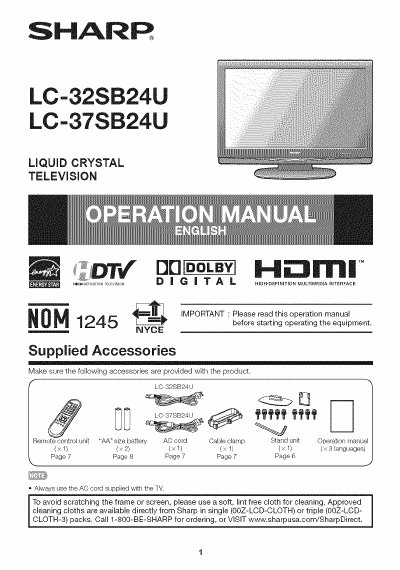
This Sharp user manual provides safety warnings, installation steps, and operating instructions for the LC‑32SB24U and LC‑37SB24U LCD televisions. It includes detailed guidance on connecting power, antenna, remote control batteries, and optional wall‑mount brackets.
The document also lists technical specifications such as screen size, resolution, power consumption, dimensions, weight, and operating temperature, plus a quick‑reference guide for common functions and a parts list for service technicians.
| Screen size | 32" (LC‑32SB24U) / 37" (LC‑37SB24U) |
|---|---|
| Resolution | 1366 × 768 (1,049,088 pixels) |
| Power consumption | 135 W (3 W standby) / 165 W (8 W standby) |
| Backlight life | 60,000 hours (standard position) |
| Operating temperature | 32 °F to 104 °F (0 °C to 40 °C) |
| Weight (TV + stand) | 298 lb (135 kg) for 32" model / 858 lb (160 kg) for 37" model |
Unplug the TV from the outlet, check the power cord and plug, then repeat the installation steps; if it still does not power on, contact Sharp support.
The stand kit includes nine screws and a hex key for assembly.