
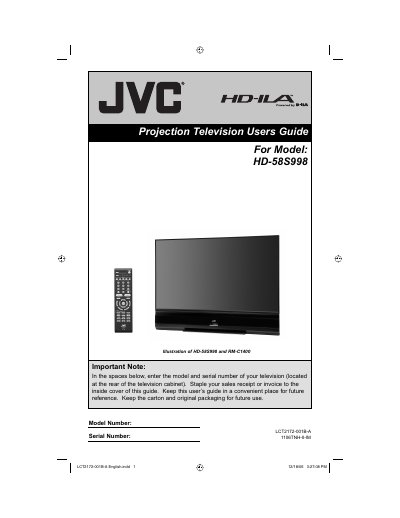
This guide covers important safety precautions, including warnings about electric shock, fire hazards, and proper handling of the lamp and screen. It explains how to install the TV, attach the front and rear pedestals, and use the recommended JVC stand (RK‑CSLM8) or wall‑mount bracket (TS‑CP01WG).
Operational details include lamp warm‑up (about one minute), cooling after power‑off (approximately 40 seconds), lamp replacement procedures, and cleaning recommendations for the cabinet and screen. The manual also provides FCC compliance information and Energy Star certification details.
| Model Number | LCT2172-001B-A |
|---|---|
| Serial Number | 1106TNH-II-IM |
| Lamp Warm‑up Time | ≈ 1 minute |
| Cooling Time after Power‑off | ≈ 40 seconds |
The lamp needs about one minute to reach its normal operating temperature after power‑on.
Wait roughly 40 seconds for the internal cooling cycle to finish before removing the power plug.
Use the JVC Model RK‑CSLM8 stand or the JVC Model TS‑CP01WG wall‑mounting bracket; other accessories may cause instability.