
The PAX Analog Panel Meters offer many features and performance capabilities to suit a wide range of industrial applications. Available in five different models to handle various analog inputs, including DC Voltage/Current, AC Voltage/Current, Process, Temperature, and Strain Gage Inputs.
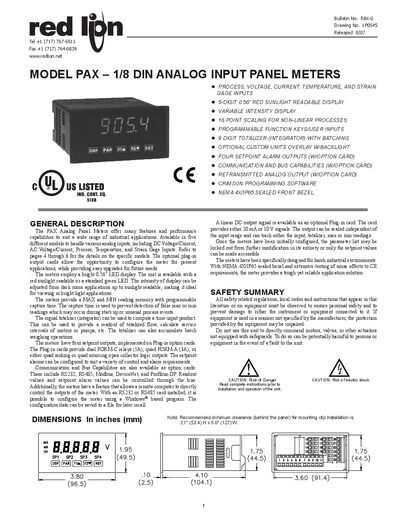
This manual describes the Red Lion PAX series of 1/8 DIN analog input panel meters, covering five model variants for DC voltage/current, AC true‑RMS, process, strain‑gage, and thermocouple/RTD inputs. It outlines the bright 0.56" LED display options, programmable function keys, totalizer features, and optional plug‑in cards for setpoint alarms, communications, and analog output.
Installation guidance includes mounting dimensions, wiring details, and safety precautions. The document also explains programming via the Crimson Windows® software, configuration of setpoint alarms, and the use of optional communication cards such as RS232, RS485, Modbus, DeviceNet, and Profibus‑DP.
| Display | 5‑digit, 0.56" red sunlight readable or standard green LEDs (‑19999 to 99999) |
|---|---|
| Power (AC version) | 85 to 250 VAC, 50/60 Hz, 15 VA |
| Isolation (AC version) | 2300 Vrms for 1 min to all inputs and outputs |
| A/D Converter Resolution | 16 bit |
| Weight | 10.4 oz (295 g) |
The meters offer a 5‑digit 0.56" LED display that can be either red sunlight‑readable or a standard green LED.
Each meter provides three programmable function keys, for a total of five keys on the front panel.
Optional cards provide RS232, RS485, Modbus, DeviceNet, and Profibus‑DP communication capabilities.