
The PAX Digital Input Panel Meters offer many features and performance capabilities to suit a wide range of industrial applications. It has counting, rate, and alarm functions, and can be connected to various communication and bus interfaces.
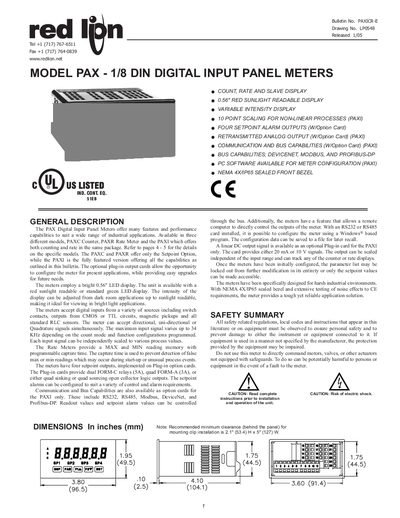
The PAX series offers three variants – the PAXC counter, PAXR rate meter and PAXI counter/rate meter – each with a 0.56" LED display that can be red sunlight‑readable or green. The meters accept digital inputs from switches, TTL, CMOS, magnetic pickups and standard RLC sensors, supporting frequencies up to 34 kHz.
Optional plug‑in cards provide setpoint relays, communication interfaces (RS‑232, RS‑485, Modbus, DeviceNet, Profibus‑DP) and analog output. Configuration can be performed with the Windows‑based SFPAX software, and the unit is built for harsh industrial environments with a NEMA 4X/IP65 enclosure.
| Display | 6‑digit, 0.56" red sunlight‑readable or standard green LED |
|---|---|
| AC Power | 85 to 250 VAC, 50/60 Hz, 18 VA |
| Isolation Voltage | 2300 Vrms for 1 min to all inputs and outputs |
| Weight | 10.1 oz (286 g) |
| Enclosure Rating | NEMA 4X/IP65 outdoor use |
| Maximum Input Frequency | Up to 34 kHz depending on count mode |
The meters can accept input signals up to 34 kHz, depending on the selected count mode.
Four setpoint alarm outputs are provided via optional plug‑in cards.
Yes, the Windows‑based SFPAX software can configure the meter when an RS‑232 or RS‑485 plug‑in card is installed.
It can be powered from AC 85‑250 VAC (18 VA) or DC 12‑36 VDC (14 W).