
The document is an AMD RAID Installation Guide, which explains how to configure RAID functions using the onboard FastBuild BIOS utility in the BIOS environment.
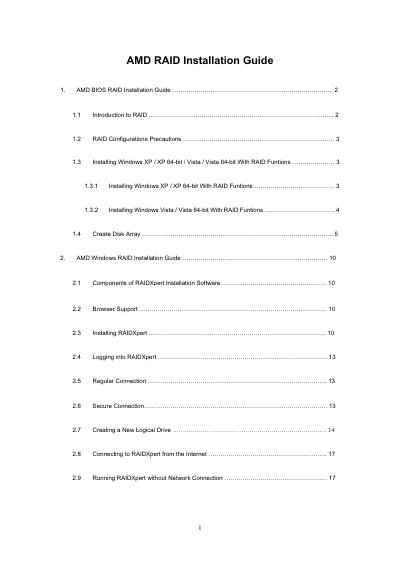
This guide explains how to enable RAID mode in the BIOS, create RAID arrays, and install Windows XP, Vista, or 64‑bit versions using AMD RAID functions. It covers RAID levels such as RAID 0, RAID 1, RAID 10, RAID Ready, and JBOD, and provides detailed procedures for driver preparation and OS installation.
The second part of the document describes the RAIDXpert management software for Windows, including installation, browser requirements, and how to create and manage logical drives remotely or offline.
| Supported RAID levels | RAID 0, RAID 1, RAID 10, RAID Ready, JBOD |
|---|---|
| Maximum number of physical drives | Up to four drives per controller |
| Write cache policy | None |
Enter the BIOS Setup Utility, go to the Advanced screen, select IDE Configuration, and set the “SATA Operation Mode” option to [RAID].
Internet Explorer 6.0, Mozilla Suite 1.7, Mozilla Firefox 1.0, or Netscape Navigator 7.1 must be installed on the host PC.