
NVIDIA RAID Installation Guide

This is a guide for how to install RAID on a NVIDIA motherboard.
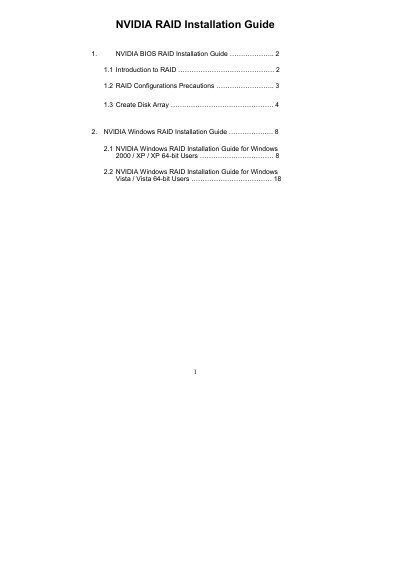

NVIDIA RAID Installation Guide - cover page
Brand
Nvidia
Category
Other
Document type
Installation Guide
Language
Chinese
Pages
23
File format
PDF
File size
1.1 MB
Published
02 May, 2012
Updated
30 September, 2023
MD5 checksum
5268EC56236BB93FFB6FB8F417CA953F

About this manual

This guide explains how to enable RAID mode in the BIOS, use the NVIDIA RAID Utility, and create RAID arrays such as RAID 0, RAID 1, RAID 0+1, RAID 5 and JBOD. It covers both BIOS‑level configuration and Windows‑based setup using the NVRAIDMAN application.

The document provides detailed instructions for selecting stripe size, assigning disks, and initializing the array in Windows, along with precautions like backing up data before creating RAID functions. This manual is written in Chinese.

What's inside

  • Introduction to RAID
  • RAID Configurations Precautions
  • Create Disk Array
  • Windows RAID Installation Guide
  • Creating RAID Arrays
  • Configuration Selection
  • Initializing NVRAID Array Disks

Specifications

Supported RAID levelsRAID 0, RAID 1, RAID 0+1, RAID 5, JBOD
Default stripe block size64KB
Stripe size range8KB – 128KB

Frequently asked questions

How do I enable RAID mode in the BIOS?

Press to enter BIOS setup and set the option to RAID mode as described in the guide.

What is the default stripe block size for a new RAID array?

The default stripe block size is 64KB.

Which RAID levels can be created on a motherboard with four SATA ports?

You can create RAID 0, RAID 1, RAID 0+1, JBOD, or RAID 5.

What precaution should be taken before creating a RAID array?

Back up your data first, as the system will ask to clear disk data during RAID creation.

Download PDF (1.1 MB)

More Nvidia Manuals


View all Nvidia manuals →