
This document describes the methods for configuring RAID function by using NVIDIA RAID Utility under BIOS environment.
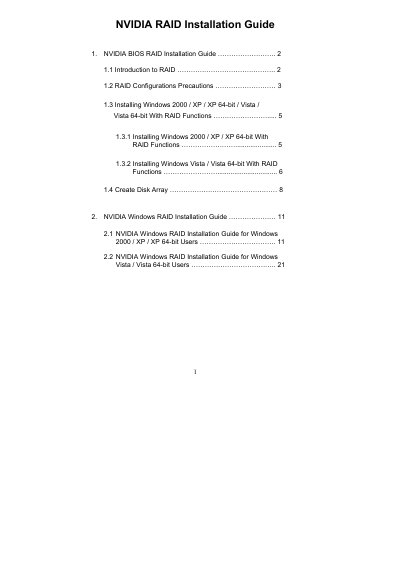
The NVIDIA RAID Installation Guide provides step‑by‑step instructions for setting up RAID modes (RAID 0, RAID 1, RAID 0+1, JBOD, RAID 5) using the NVIDIA RAID Utility in a BIOS environment. It covers RAID concepts, configuration precautions, and the creation of disk arrays.
The document also details the Windows installation process for Windows 2000, XP, Vista and their 64‑bit versions, including driver diskette creation, BIOS settings, and loading the NVIDIA RAID driver during OS setup. Additional sections cover verifying disk status, selecting stripe size, and initializing the newly created RAID array.
| Minimum drives for RAID 5 | 3 identical hard disks |
|---|---|
| Default stripe size | 64 KB (range 8 KB – 128 KB) |
Enter the BIOS Setup Utility, go to the Advanced screen IDE Configuration, and set the “SATA Operation Mode” option to [RAID].
No, RAID 0 improves performance but does not provide fault tolerance; hot‑plugging any disk can cause data loss.
The default stripe size is 64 KB, which is optimal, but you can choose 8 KB, 16 KB, 32 KB, 64 KB, or 128 KB.